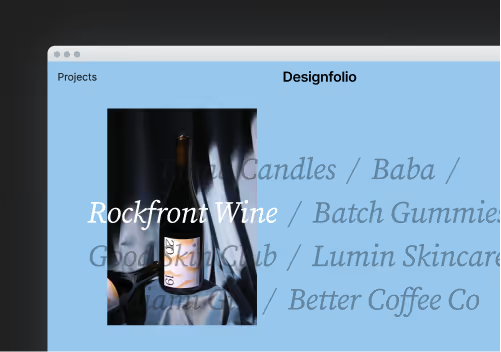






Color plays a crucial role in web design, influencing how users perceive a brand, interact with a website, and ultimately engage with content. The right color combinations can enhance usability, evoke emotions, and create a memorable digital experience. Whether you're designing a portfolio, an e-commerce site, or a landing page, selecting the perfect color scheme is essential.
Understanding Color Theory for Web Design
Before diving into the best color combinations, it’s important to understand some basics of color theory:
- Contrast & Readability: High contrast improves readability and accessibility.
- Color Psychology: Colors evoke emotions—blue conveys trust, red creates urgency, and green represents growth.
- Balance & Harmony: Complementary and analogous colors work together to create visually pleasing experiences.
8 Stunning Color Combinations for Your Website
1. Midnight Blue & Soft Gold (#0A1128 & #FFD700)
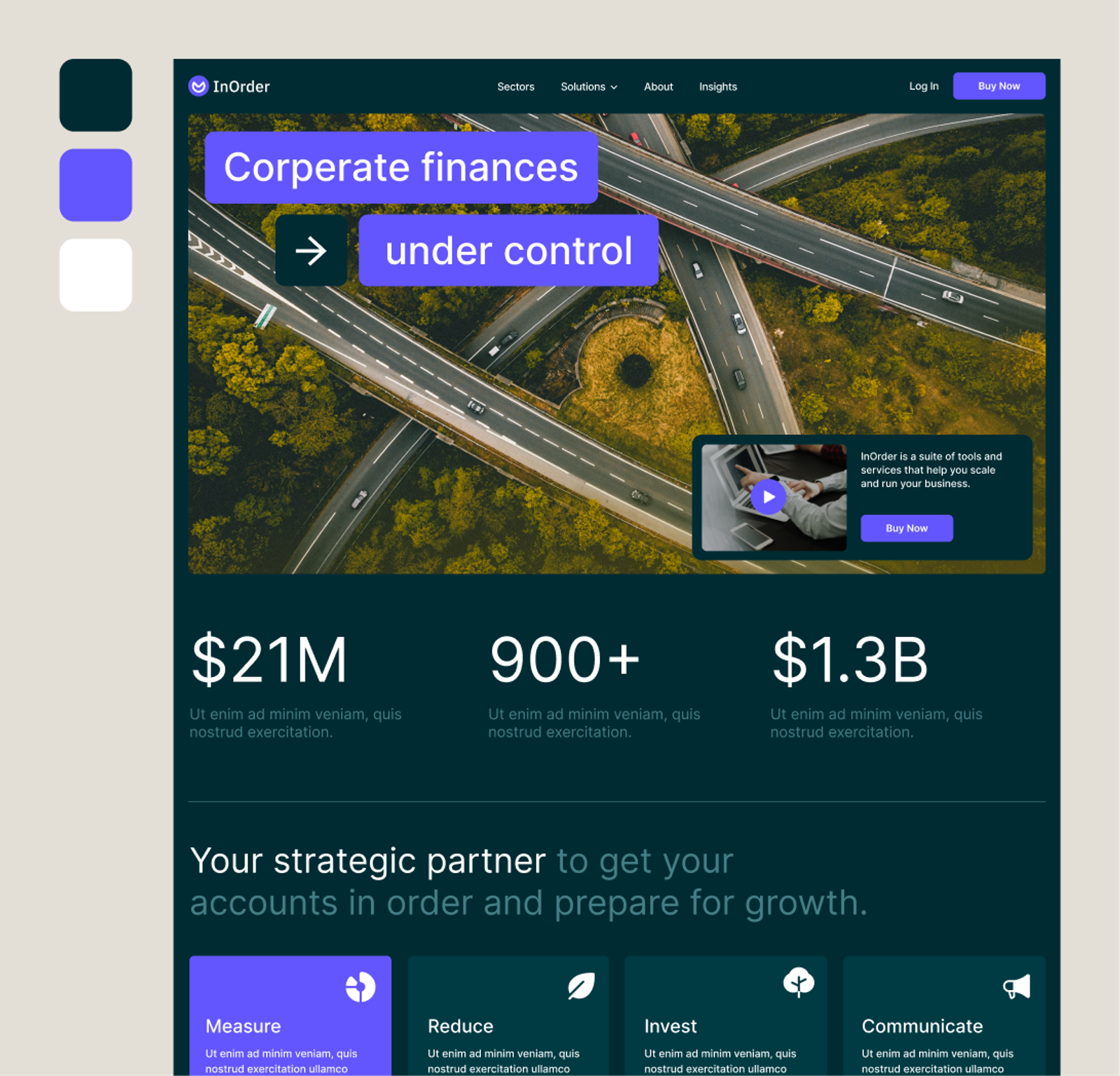
Perfect for luxury brands or professional portfolios, this combination exudes sophistication and elegance while maintaining strong readability.
2. Charcoal Gray & Neon Green (#333333 & #39FF14)
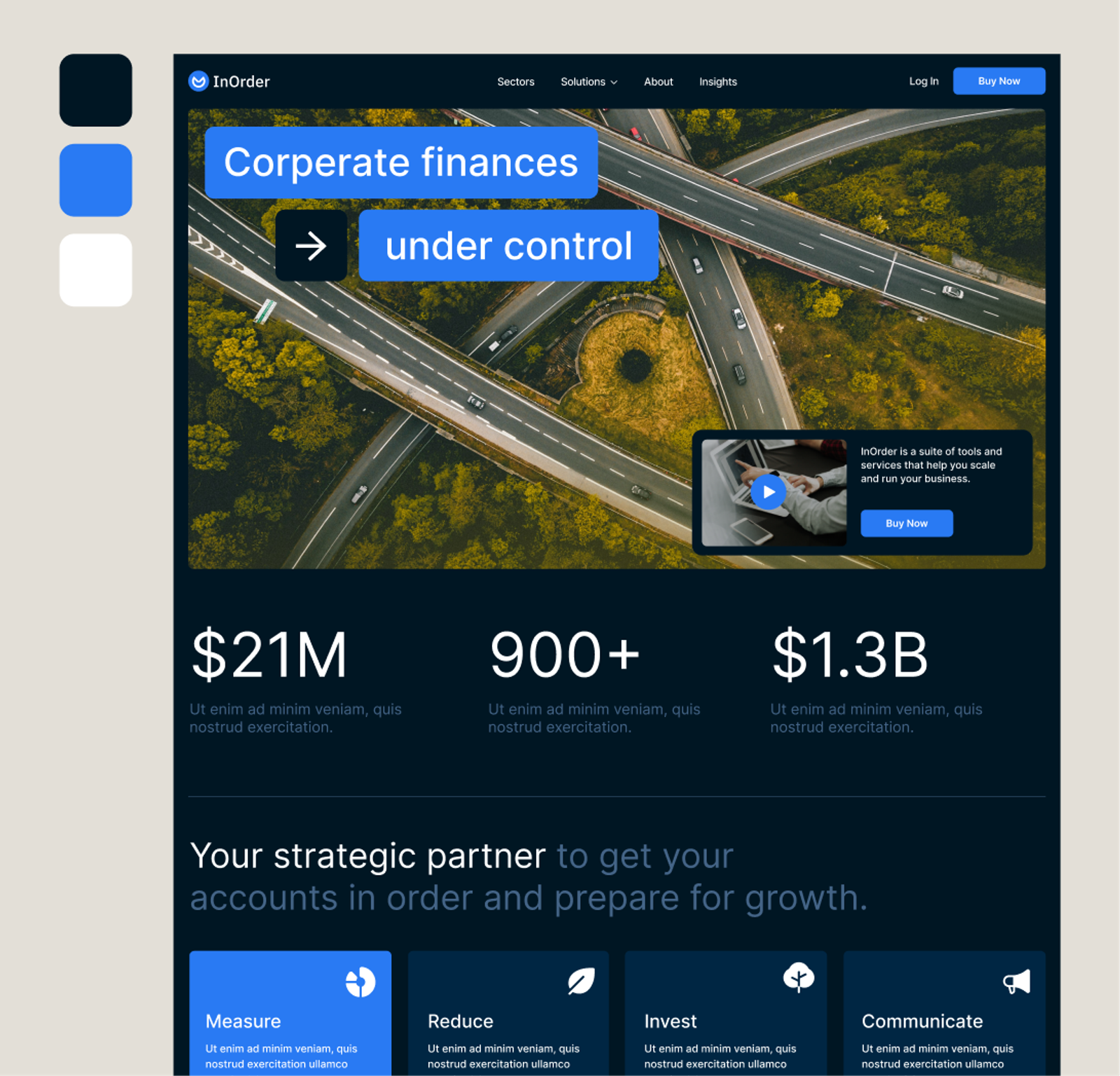
Ideal for tech startups and futuristic designs, this high-contrast pairing creates a sleek, modern aesthetic with a bold energy.
3. Earthy Terracotta & Muted Teal (#E07A5F & #3D5A80)
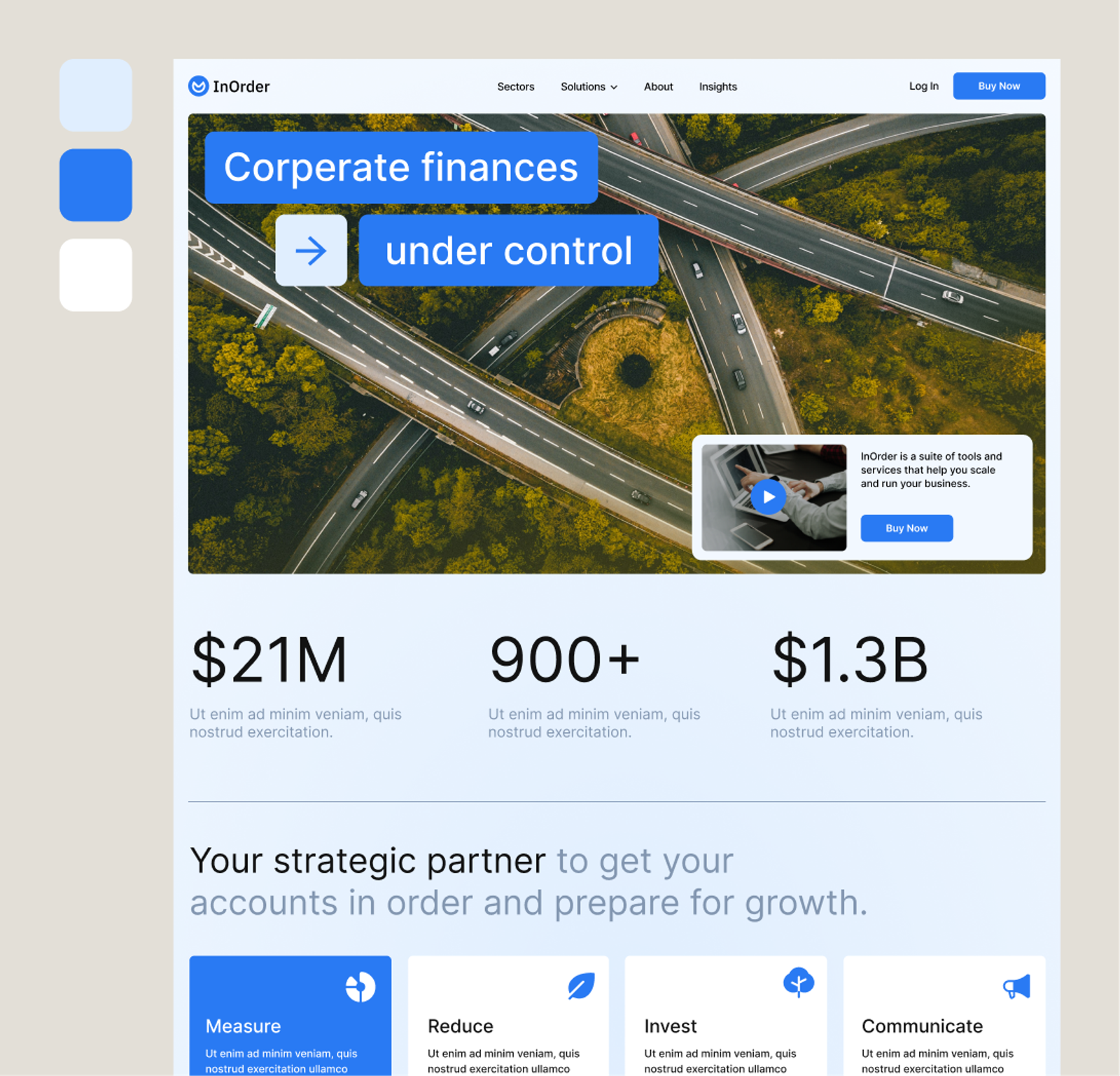
A warm and inviting combination, great for lifestyle blogs and creative agencies, balancing energy with a calming undertone.
4. Deep Purple & Electric Orange (#5B2A86 & #FF6700)
A vibrant contrast that captures attention, often used for entertainment websites or event-driven designs.
5. Serene Blue & Soft Coral (#468FAF & #FF6B6B)
A calming yet engaging mix, perfect for wellness brands, SaaS platforms, and community-driven websites.
6. Monochrome Grayscale (#121212 & #EAEAEA)
Timeless and versatile, this sleek grayscale combination works well for minimalistic web design, portfolios, and editorial sites.
7. Forest Green & Warm Sand (#2D6A4F & #E9C46A)
Bringing nature-inspired tones into digital design, this pair suits eco-friendly brands, outdoor blogs, and sustainable e-commerce sites.
8. Vibrant Magenta & Royal Blue (#E63946 & #4169E1)
An energetic and modern combination often used in fashion, digital media, and creative agency websites.
Check Accessibility Before You Commit
A combination can look great as a swatch and still fail as a design. WCAG asks for a contrast ratio of at least 4.5:1 for normal body text, and 3:1 for large text and for interface elements such as buttons and form borders. I ran the eight pairs above through a contrast calculation, using the two colours as text and background:
- Midnight Blue & Soft Gold: about 13.3:1. Passes comfortably for text in either direction.
- Charcoal Gray & Neon Green: about 9.3:1. Passes, though large areas of neon green are tiring to read on.
- Earthy Terracotta & Muted Teal: about 2.4:1. Fails for text. Use one colour for large blocks and keep text white or near-black.
- Deep Purple & Electric Orange: about 3.4:1. Fine for large headings and buttons, but not for body text.
- Serene Blue & Soft Coral: about 1.3:1. Far too low to place one on the other. Use them side by side as accents, with dark text on top.
- Monochrome Grayscale: about 15.6:1. Excellent.
- Forest Green & Warm Sand: about 3.8:1. Works for headings and buttons. For paragraphs, use a darker green or near-black.
- Vibrant Magenta & Royal Blue: about 1.2:1. These colours vibrate against each other and should never be used as text on background. Separate them with white or a neutral.
The lesson is that a palette is not the same thing as a text and background pairing. Most of these combinations work best when one colour is a large background or accent, and text is set in a neutral that has enough contrast against it. Check any specific pair with a contrast checker before you build, and test the result on a real phone screen outdoors if your visitors are likely to use it that way.
How to Use a Palette: The 60-30-10 Rule
Picking colours is half the job. Distributing them well is the other half. A simple rule that keeps a design balanced is 60-30-10: roughly 60% of the page in a dominant neutral or background colour, 30% in a secondary colour for sections, cards and navigation, and 10% in an accent colour for calls to action and highlights. Because the accent is rare, it stands out. If you use your accent everywhere, nothing stands out.
Colour and Conversion
Colour affects whether people notice and click the things you want them to. The most useful principle is contrast and consistency: make your primary button the most visually distinct element in its section, and use that colour only for the primary action. There is no universally best button colour, so test rather than assume. My guides to setting up A/B testing and increasing sign-ups on your marketing website explain how to check whether a change actually improves results.
Setting Up Your Palette in Webflow
Once you have chosen a palette, set it up as a system rather than picking colours ad hoc on every element. In Webflow, define your colours as variables, with names that describe their job (such as background, surface, text and accent) rather than their appearance. That makes it easy to change the palette later, add a dark mode, or hand the site to someone else without them guessing which blue to use.
If you want a lighter or darker shade of each colour, generate a consistent scale rather than eyeballing it. I walk through that in creating a system for colour swatches in Webflow, and the wider approach to consistency is covered in my guide to creating a design system in Webflow. If you are building a whole site from the palette, structuring your content on Webflow shows how to use sections and combo classes so a colour change is a single edit.
Common Colour Mistakes
- Too many colours. Stick to a primary, a secondary, a neutral and one accent.
- Relying on colour alone to communicate meaning, such as marking errors only in red. Add an icon or text as well, since many people cannot distinguish certain colours.
- Light grey text on white, which looks elegant on a design file and is unreadable in real life.
- Ignoring the brand. A palette that looks good but does not match your logo and existing materials creates an inconsistent experience.
- Not testing dark surfaces. Colours that work on a white background can look completely different on a dark one.
Choosing the Right Color Combination
When selecting a color palette for your website, consider your brand personality, target audience, and the emotions you want to evoke. Test different variations using tools like Adobe Color, Coolors, or Webflow's built-in color tools to ensure balance and harmony.
Final Thoughts
Color is a powerful tool in web design that can transform a website's aesthetic and user experience. By carefully choosing the right color combinations, and checking them for contrast, you can create a visually appealing and effective design that resonates with your audience. Try implementing one of these eight color palettes and see how it enhances your next web project!
Frequently Asked Questions
How many colors should a website use?
Most well-designed websites use 2-3 core colors, a primary, a secondary, and a neutral, plus one accent color for calls to action — more than that tends to feel inconsistent and harder to maintain.
What's the difference between complementary and analogous color schemes?
Complementary colors sit opposite each other on the color wheel, like blue and orange, and create high contrast; analogous colors sit next to each other, like blue, teal, and green, and create a calmer, more harmonious feel.
Does color choice affect website accessibility?
Yes — text and background colors need enough contrast to meet WCAG accessibility guidelines, generally a contrast ratio of at least 4.5:1 for normal text, so a visually striking combination should always be checked with a contrast checker before going live.
How do I pick a color palette that matches my brand?
Start from your brand's personality rather than trends — a calming wellness brand suits soft, muted tones, while a bold tech startup suits higher-contrast, saturated pairings. Tools like Coolors or Adobe Color can help generate palettes from a single starting color.
What is the 60-30-10 rule for color?
It is a guideline for distributing colour: about 60% a dominant neutral, 30% a secondary colour and 10% an accent, which keeps a design balanced and makes calls to action stand out.
Which of these color combinations are accessible for text?
Midnight Blue & Soft Gold, Charcoal Gray & Neon Green and Monochrome Grayscale pass the 4.5:1 guideline as text and background. The others work better as accent and background colours, with a neutral used for text.